12.1 Managing voicemails
Besides playing the voicemail, you have the following options:
 play the voicemail via the loudspeakercall back the contact who left a voicemailshare the voicemaildelete the voicemailconvert the voicemail into text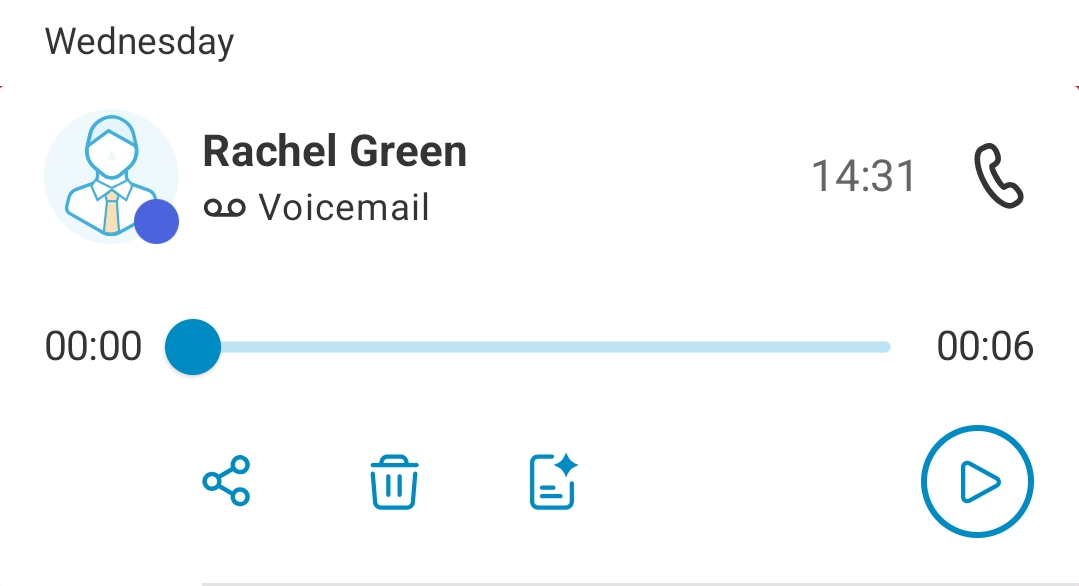
To call back the sender of voicemail
 The recents list opens.The call is established.
To convert a voicemail into text (transcription)
The recents list opens.The voicemail is converted into text and displayed.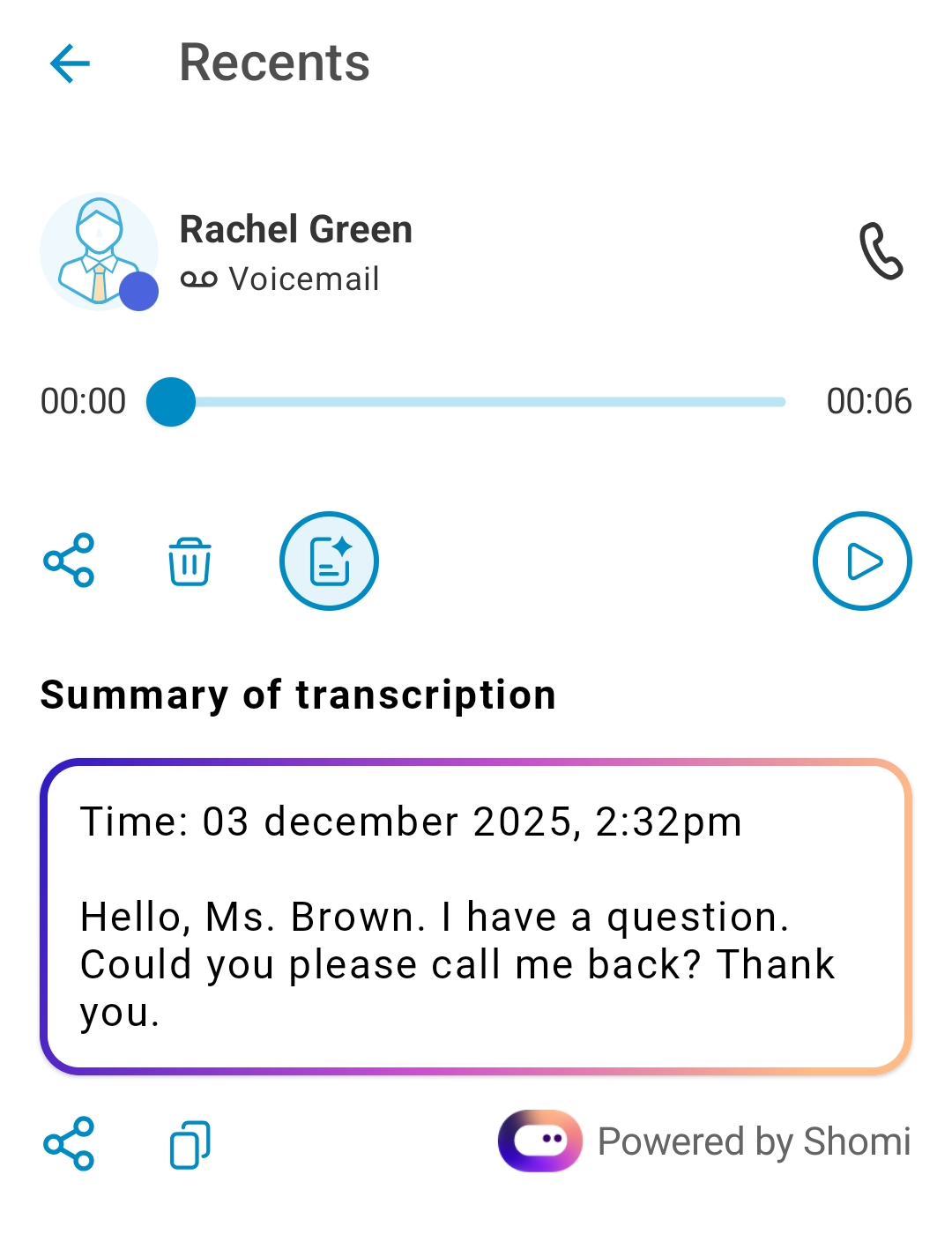

Please note that the transcript will be available only after a short delay of a few seconds.
To share a voicemail
The recents list opens.There are various options for sharing the voicemail.To delete a voicemail
The recents list opens.The voicemail will be deleted immediately.