9.1 Starting and ending calls
Observe the country-specific emergency numbers and make sure when saving contacts that you do not specify a number or extension that is the same as an emergency number. These are blocked when calling.
With Contact Mobile, you have several options for making calls.
When saving and processing personal data, observe the respective applicable legal data protection regulations. If you have any questions regarding data protection, please contact your administrator.
Personal data cannot be deleted automatically. In order to meet the valid data protection regulations, it may be necessary to delete the entries manually.
To start and end a call from the contact list
By default, calls are received and made using the settings defined in your REACH profile. To change this, see 12 Connection mode.
 The contact profile appears.
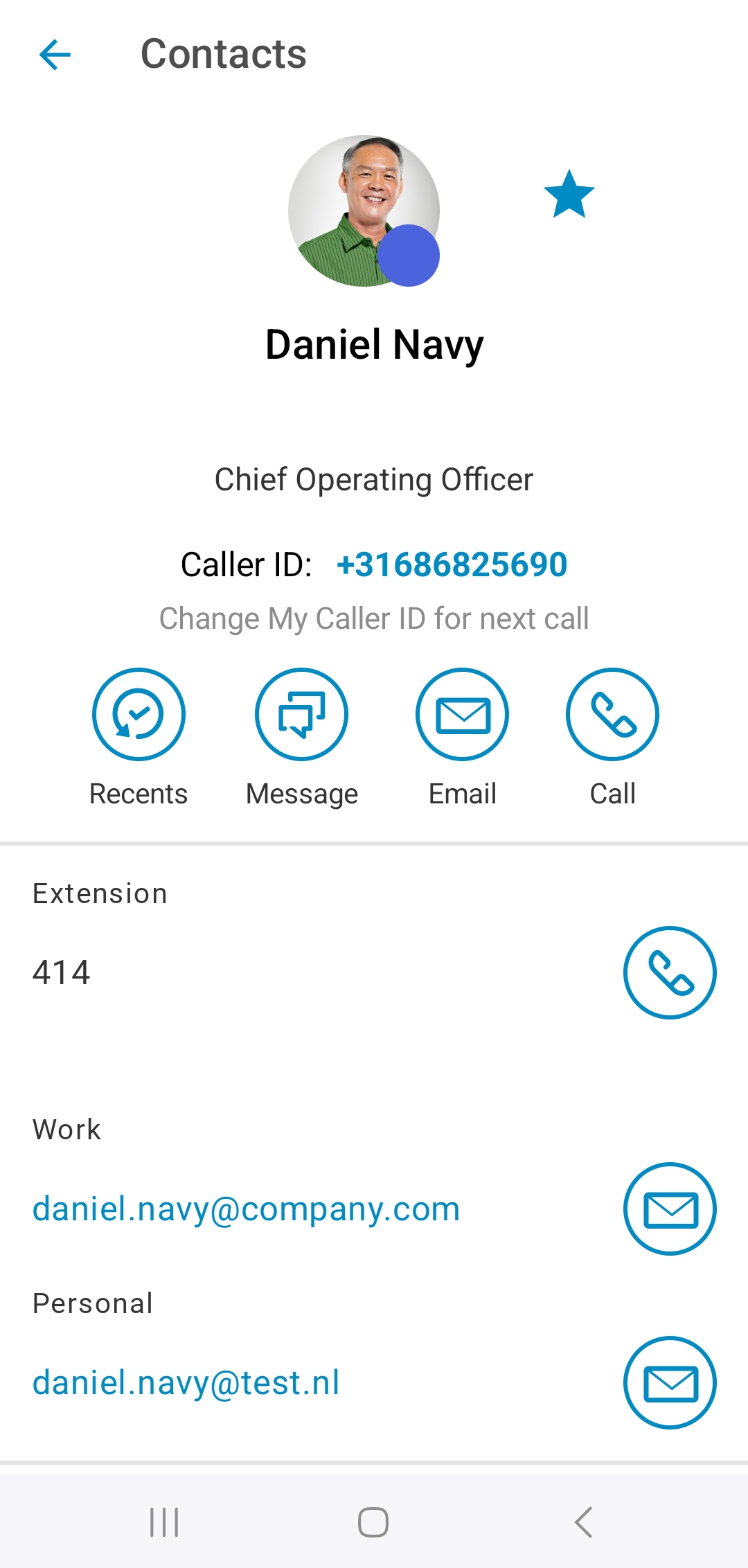 The call is starting.
To start and end a call via the Recents list
1 Tap  .
.
.The call is starting.To start and end a call via the dialer
1 Tap on Keypad  .
.
.The keypad opens.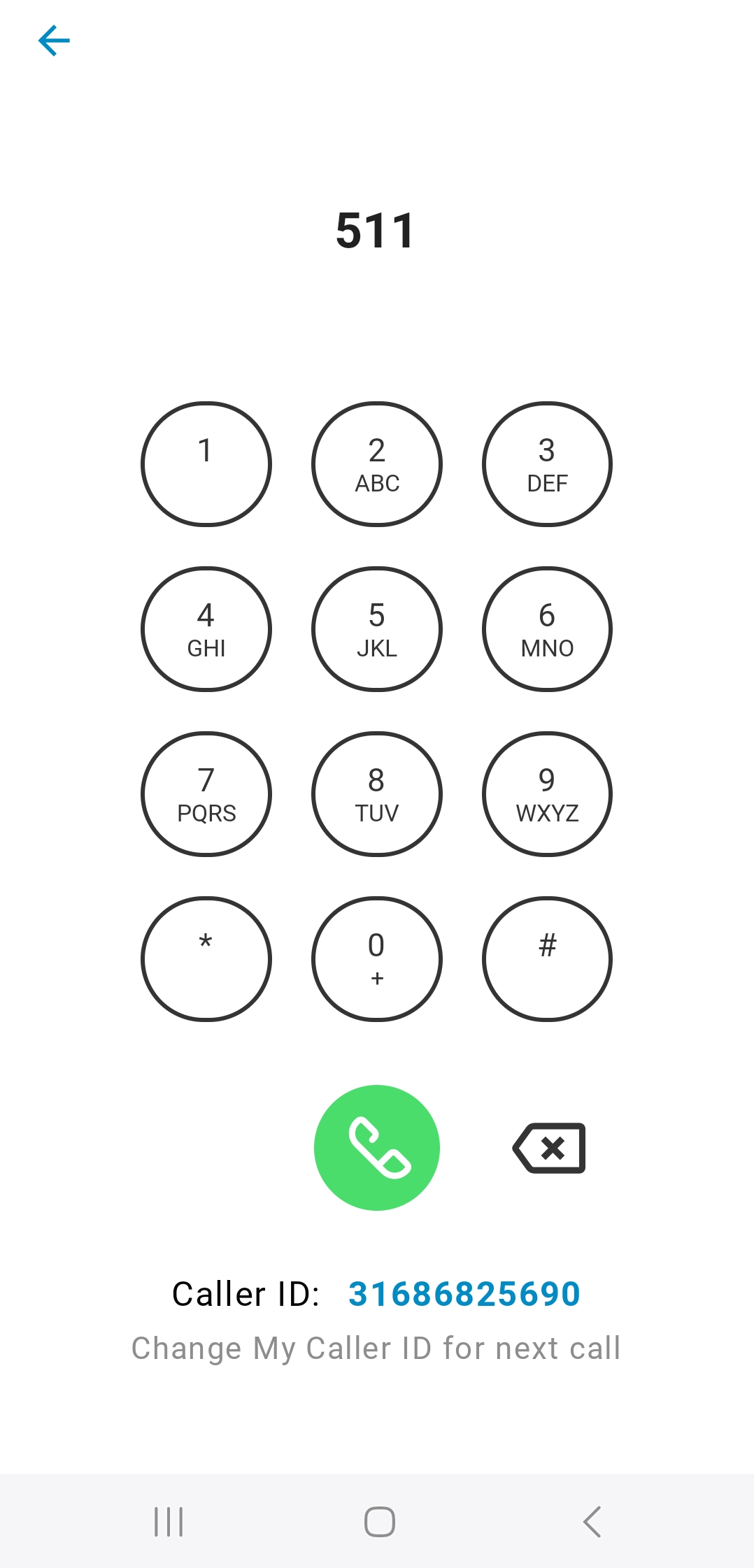 The call is starting.