3.1.2 Changing a user extension subscription
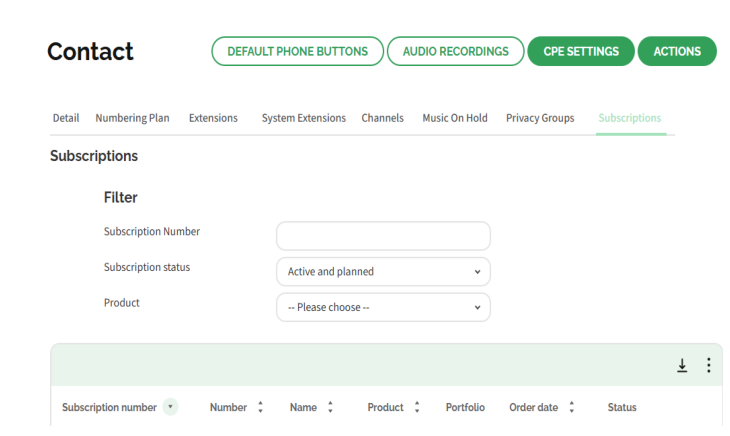
You can change existing extensions in the Subscription tab in the Contact environment of your customer account in Operator.
The button indicates the order is already delivered. When the order is not active yet, you will see the delivery date.
To change a user extension order
 The Customer details page appears.The Contact environment appears.The overview of all subscriptions for this customer appears.The subscription details of the subscription appear.
Label | Explanation |
|---|---|
General | On this tab you can see the technical settings of the order. |
Privacy Settings | On this tab you can see the privacy groups. |
Registered Channels | On this tab the linked SIP channels are displayed. |
Invoicing | This tab displays the activated products and add-ons and the corresponding costs of sales. |
Purchase | This tab shows the activated products and addons and the corresponding purchasing costs. |
Orders | On this tab you can view the history of this order. |
Usage | This tab shows an insight into the costs incurred by call traffic. |
The Change Contact order page appears.Label | Explanation |
|---|---|
Select portfolio | Select the type of user you want to activate from the dropdown list. |
Plan date | Enter the date on which the order should be adjusted. |
The Add-ons page appears.Depending on the proposition in the respective country, different add ons are available.
The Confirm page with an order overview appears.Your order is confirmed and will be effective on the specified day.