7.2.5 Activating numbering plans automatically by specific days
In addition to holiday periods, numbering plans can also be automatically activated for certain days of the week and times of the day. Thus, specific numbering plans can be activated during opening hours, at lunchtime, after hours, at weekends etc.
For each entry, the schedule shows the start day and time, the end day and time, and the number of plans active during that period. This is also shown visually in the table in the schedule. In the schedule, the active period is shown in green.
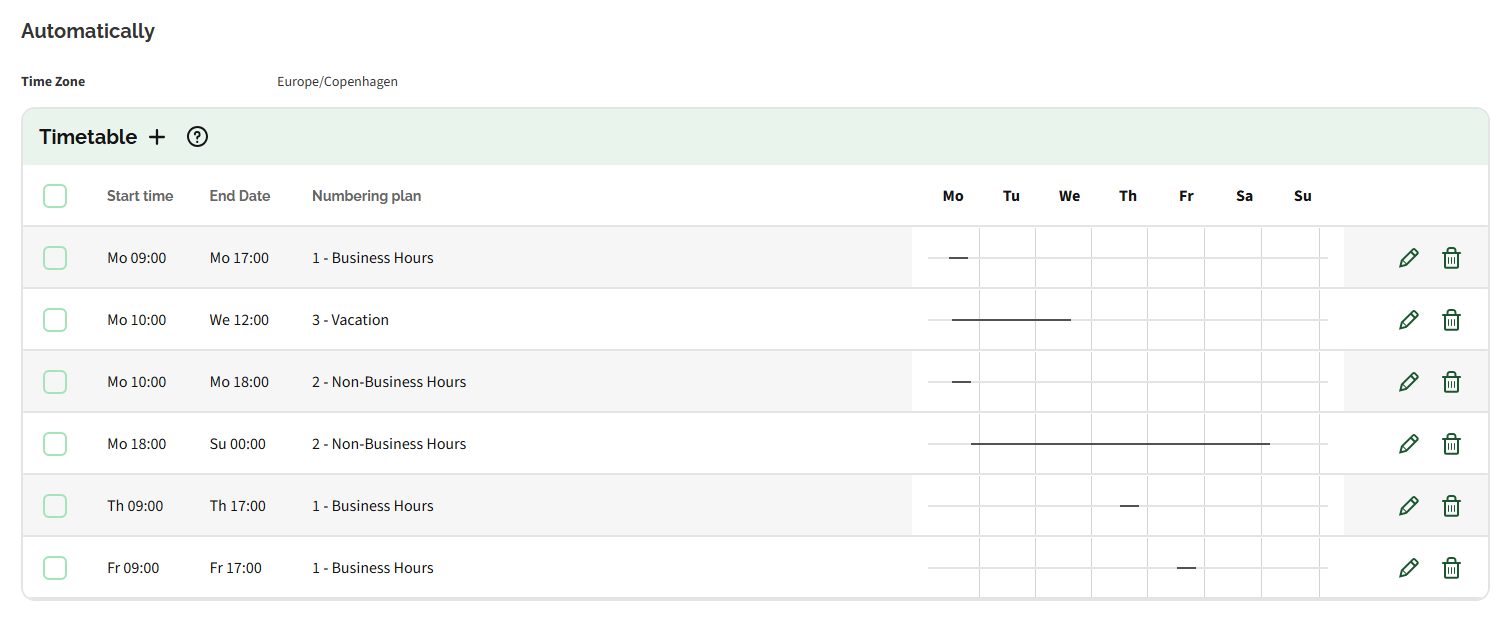
To ensure that your organisation does not become unreachable, it is recommended to always configure a fallback numbering plan that is valid for the entire week. This ensures that a call numbering plan is always active at all times.
To add a time specific schedule
 The Customer details page appears.The Contact environment appears.The numbering plan overview appears.The Create period dialogue appears.
Label | Explanation |
|---|---|
Start time | Enter a start time from which the numbering plan should be active. |
End time | Enter an end time on which the numbering plan should be deactivated. |
Numbering plan | Select the numbering plan, which should be active during the specific time period, from the dropdown list. |