6.9.3 Disabling SIP encryption in an account
You can disable SIP encryption in your customer account.
To disable SIP encryption in an account
 The Customer details page appears.The Contact environment appears.The Deactivate SIP encryption dialogue appears.
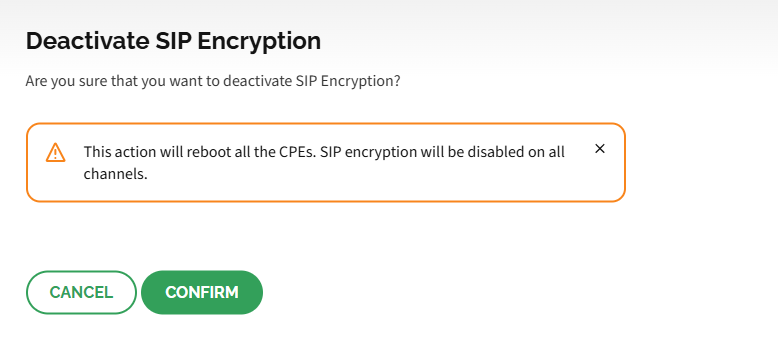 SIP encryption is disabled for all devices in the account and all devices for which SIP encryption was enabled are reprovisioned and rebooted.