9.1.3 Switching devices during a call
You are on a call via Contact Desktop, but need to continue it on the go? No problem — you can easily transfer the call to your smartphone.
To switch the call from Contact Desktop to your Contact Mobile App
 You can see the currently active call.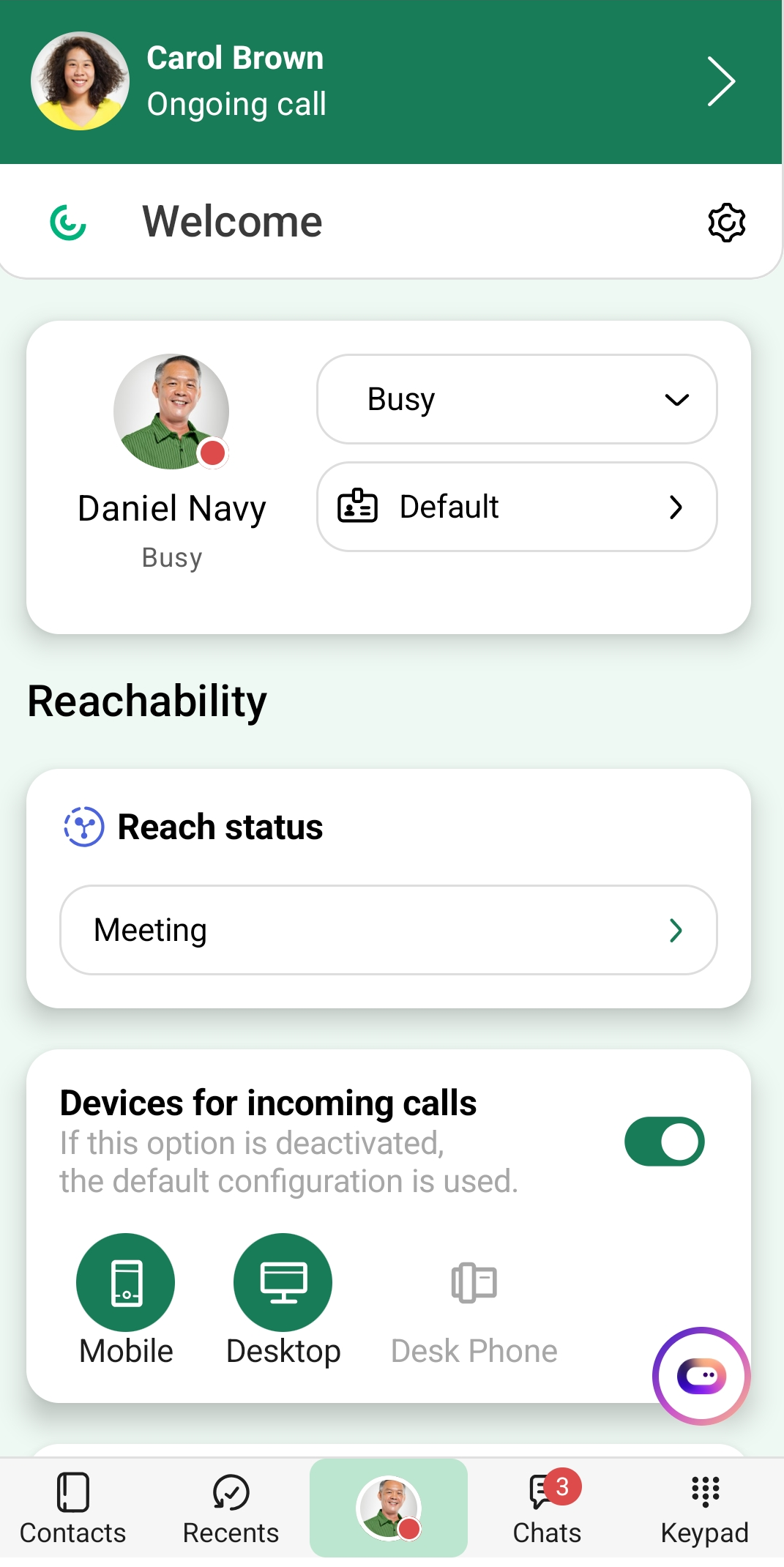
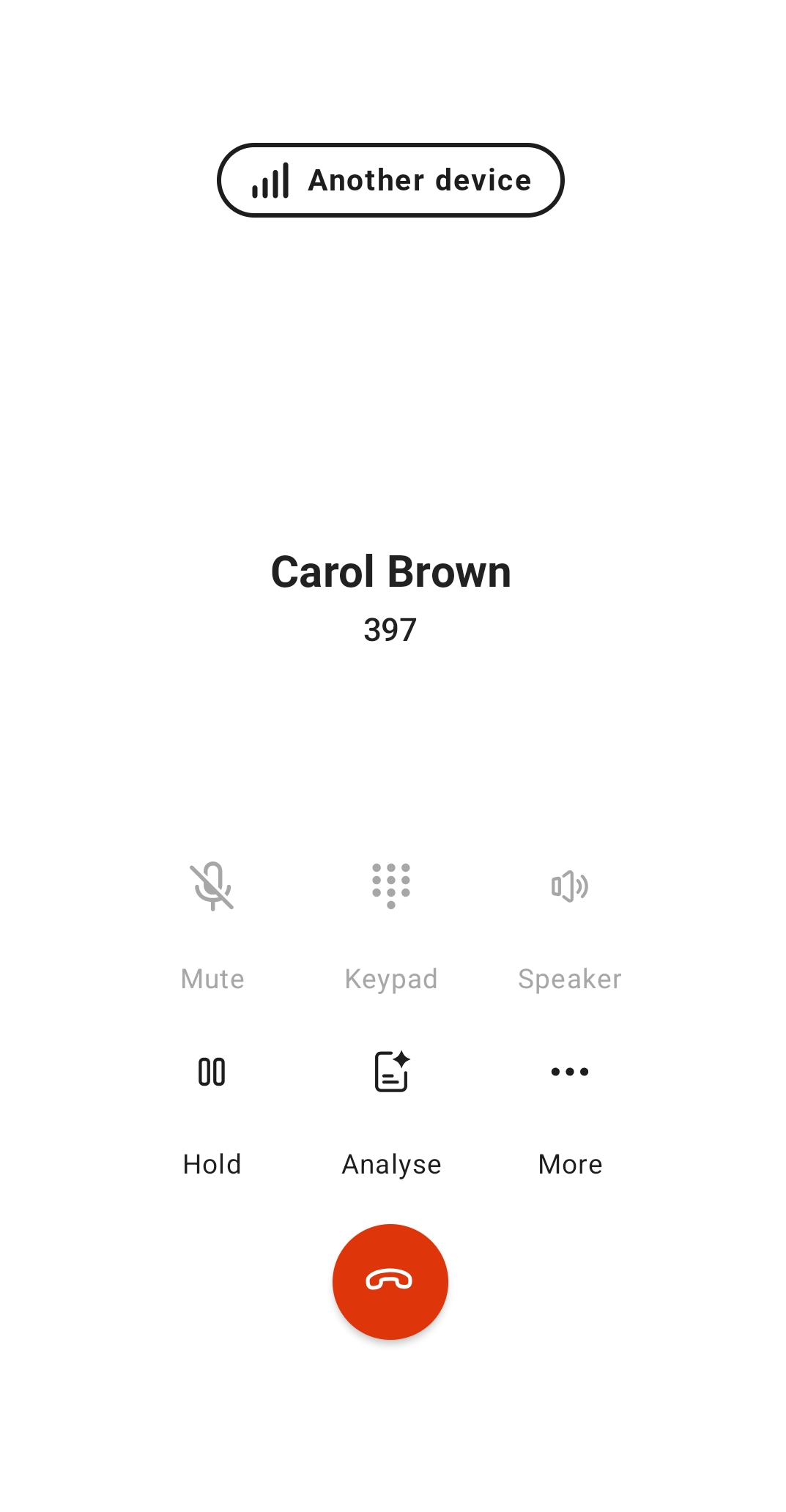 A new call is initiated.
To switch the call from the Contact Mobile App to your Contact Desktop
You are on a call via the Contact Mobile app.
The call is signaled on Contact Desktop.The call in the Contact Mobile app is ended automatically.