7.2 Selecting a contact source
You can individually select which contact sources should be displayed in your contact list. You can also filter the contacts that appear in your contact list by favorites and/or availability. For example, if you have selected the contact source Colleagues and the filter Available you can quickly see who of your colleagues is available.
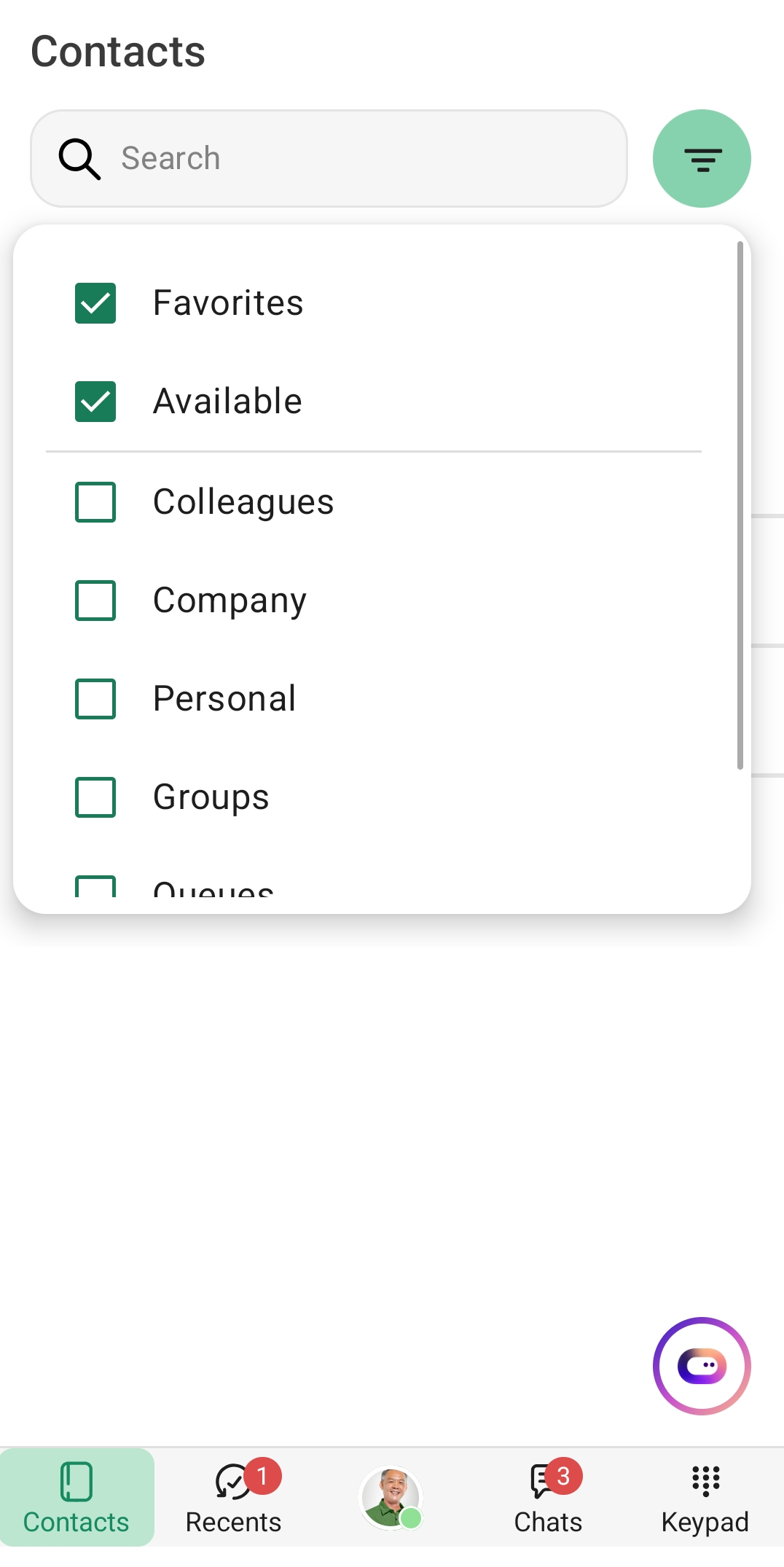
To select your individual contact list
 A bar with filters and additional contact groups appears. You can combine the filters with the contact groups below
:
Filter | Explanation |
|---|---|
Favorites | Contacts that you have marked as favorites |
Available | Contacts that are online |
Contact source | Explanation |
|---|---|
Colleagues | All employees in your company are displayed |
Company | External contacts visible to all employees |
Personal | Contacts you have added |
Groups | Extension groups |
Queues | ACD groups |
Local | All contacts on your device For these contacts, you must first grant Contact Mobile read access (Add to sources). |
Above the contact list, you can see which filters are selected.