6.2 Joining a meeting
You can accept a Meeting Room invitation directly through Contact Desktop.

You will find all Meeting Room invitations in the chat. This way you can attend a meeting later. An invitation expires after 15 minutes.
To accept a Meeting Room invitation

2 Click on the cross symbol  to ignore the request.
to ignore the request. The meeting waiting room opens.
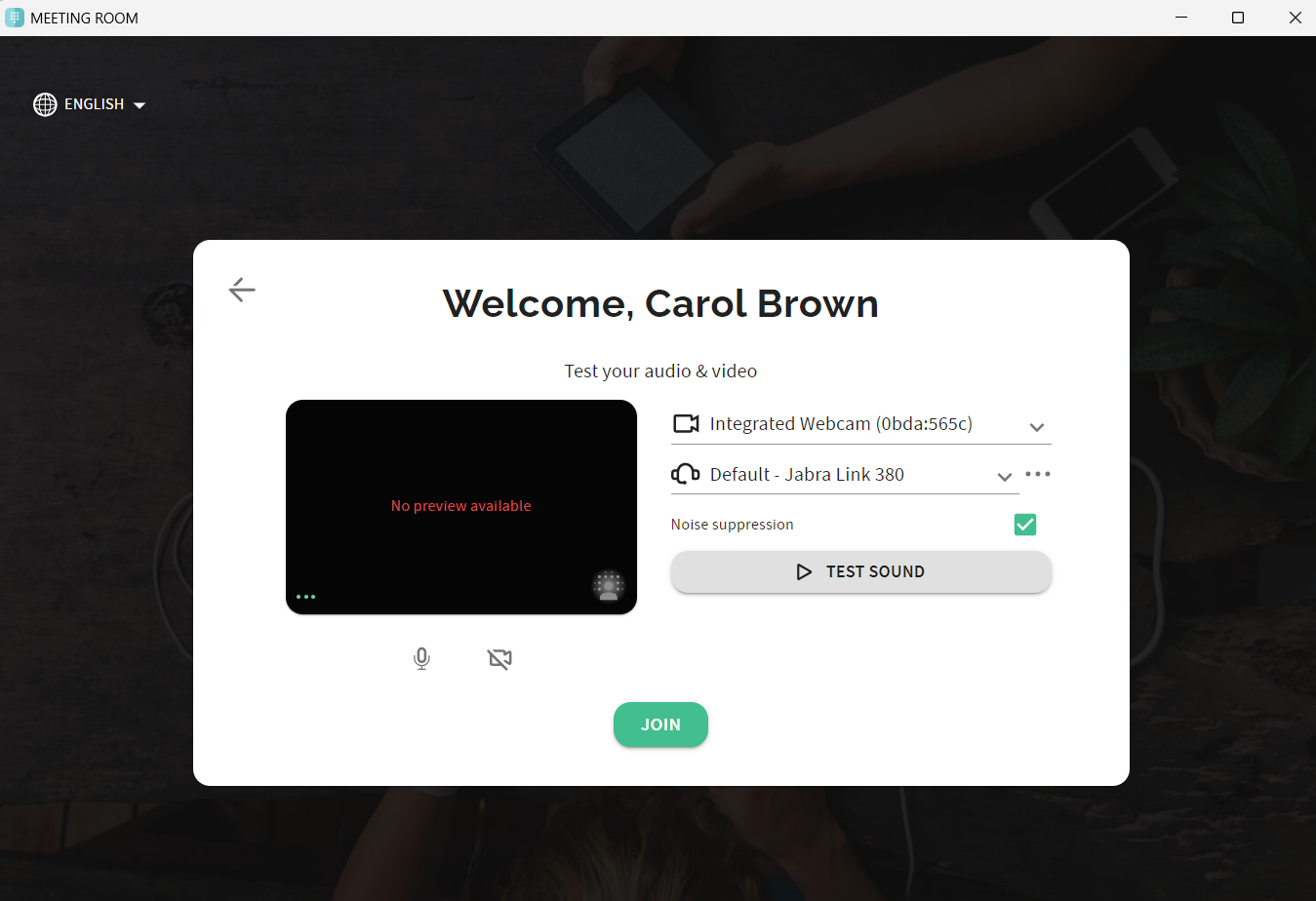 The host will receive a request for your participation. Once your participation has been confirmed, you will be taken to the meeting room.
 For more information about Meeting Room, see the documentation for Meeting Room.