2.4 Support for HTTP/HTTPS proxy
Contact Desktop is also supported in http/https proxy environments.
To set up Contact Desktop in http/https proxy environments
 The following window appears:
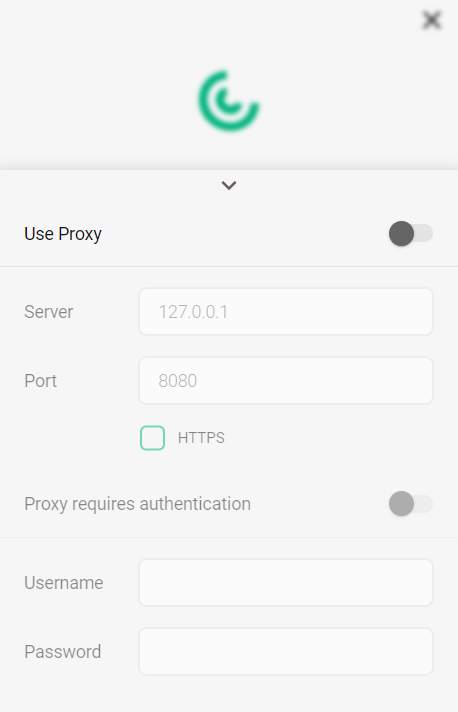 The following window appears: